
What Is a Court Docket in Kingfisher County
A docket is the chronological list of actions in a case. Each line marks one event with its date, such as a filing, a hearing, a motion, or an order. The District Court keeps a docket for every case the Court Clerk opens. Civil, criminal, family, probate, traffic, and small claims cases each carry one. The docket grows as the case moves, from the first petition or charge to the final judgment.
The docket and the full case file are not the same thing. The docket is the index. It tells you what happened and when, but it does not always hold the documents themselves. A motion shows up as a one-line entry on the docket, while the written motion lives in the case file. Online tools in Oklahoma post the docket for free. The actual documents may take a clerk visit or a copy fee.
Knowing this split matters. A Kingfisher County court docket answers most quick questions, like the next court date or whether a judgment was entered. For the reasoning behind a ruling, you need the file.
How to Find Kingfisher County Court Dockets Online
Two free state sites carry Kingfisher County District Court dockets. The Oklahoma State Courts Network, or OSCN, handles case-number lookups and daily docket reports. On Demand Court Records, or ODCR, lets you search by name and case type when you do not have the number. The Court Clerk links both. Either one opens the docket for a Kingfisher County case.
ODCR runs from two web addresses that reach the same data. The ODCR alternate portal opens the same court search used across Oklahoma.
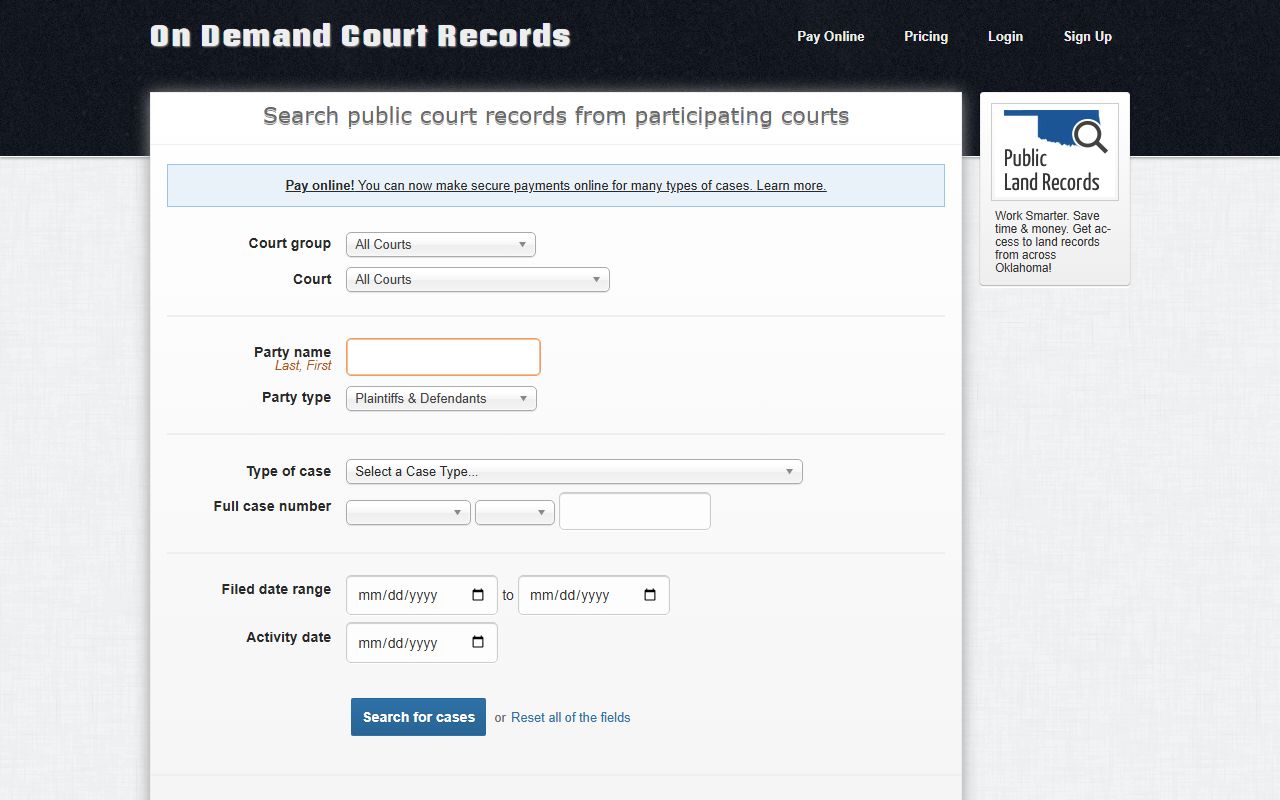
Once the portal loads, the docket for a single case is only a few steps away. Follow this order to pull one online.
- Open ODCR, or open OSCN if you have the case number.
- On OSCN, pick Kingfisher County District Court from the court dropdown.
- Enter the case number in the format shown, such as CF-2014-1, or search a name on ODCR.
- Open the case to view its docket, a dated list of every entry.
- Use the activity-date or filed-date fields to focus on recent action.
Public searching on both sites is free, but a few limits apply. ODCR shows login, sign-up, and pricing links, so viewing certain documents or paying court costs online can call for an account. Both portals may need JavaScript turned on to load every field. If a search returns nothing, widen it. Drop the case type, fix the spelling, or search by name instead of number. A blank result often means the filter was too narrow, not that the docket is missing.
Sample Kingfisher County Docket Entries
A docket reads as a stack of short, dated lines. Each line names an event type. Some entries track paperwork, some track court dates, and some track money or custody. The table below explains the common entries you will see on a Kingfisher County docket and what each one means.
| Docket Event | What It Means |
|---|---|
| Filing | A document entered to open or move the case forward. |
| Summons / Return of Service | Notice sent to a party, and proof it was delivered. |
| Appearance | A party or attorney formally joins the case. |
| Hearing / Continuance | A scheduled court session, or one moved to a later date. |
| Motion / Order | A request to the judge, and the ruling that answers it. |
| Journal Entry | A written court order entered into the permanent record. |
| Plea / Disposition | A defendant's response to a charge, and the outcome that closes it. |
| Judgment / Sentencing | The final decision, or the penalty the court imposes. |
| Cost Assessment / Payment | Fines and court costs charged, and amounts paid. |
| Warrant / Release | A warrant issued, or a release from custody noted. |
Note: Docket entries are often abbreviated, so an unclear code can be confirmed by calling the Court Clerk and citing the case number and entry date.
Daily Docket Reports for Kingfisher County
OSCN does more than single-case lookups. The OSCN docket search posts District Court report lists that show a whole day at once. These reports help attorneys, reporters, and the public see what is set for a given date instead of hunting case by case. They draw from the same District Court data that feeds the case-number lookup.
The report menu covers several views. You can pull civil cases with trial dispositions, a daily docket of all events by a specific judge, a daily docket by judge and case type, a daily docket by a single case type, and a daily docket by a single event. Other views combine event, judge, and case type, and a daily filings list sorts new cases by county. ODCR adds its own angle through activity-date searches, which surface cases with recent docket movement.
Daily docket reports change every court day. A continuance moves a case to a new date, so the report you pull today may differ tomorrow. Reading the report by event type helps when you only care about hearings or sentencings. Reading it by judge helps when you follow one courtroom. Filtering by case type narrows a busy day down to the cases you actually need.
For a criminal matter, the docket connects to the wider record. Charges, pleas, and sentencing also appear in the county criminal court records, which hold the full case file behind those docket lines.
Courts That Publish Dockets in Kingfisher County
Not every court that touches Kingfisher County posts its docket online. The District Court is the main one that does, through OSCN and ODCR. Municipal courts handle their own cases and may not feed the state sites. Federal cases use a separate system entirely. The list below shows where dockets sit by court.
- Kingfisher County District Court: felony, misdemeanor, civil, family, probate, and traffic dockets on OSCN and ODCR.
- City of Kingfisher Municipal Court: city ordinance and local traffic dockets, handled by the municipal clerk and often not on the state sites.
- Town of Hennessey Municipal Court: town ordinance and traffic matters, confirmed through Town Hall rather than an online docket.
- Oklahoma appellate courts: Supreme Court and Court of Criminal Appeals dockets, listed on OSCN for cases on appeal.
Municipal dockets take a different path. The City of Kingfisher municipal court clerk and the Town of Hennessey Town Hall confirm city ordinance and local traffic cases that the state sites skip. For those matters, a call to the city clerk beats an online search. The same goes for very old District Court files that predate the online index, which the Court Clerk can still pull by hand from the permanent record.
Docket vs. Full Case Record
The difference between a docket and the full case record trips up many searchers. A docket is a summary; the case record is the substance. The docket points to what was filed, while the record holds the filed pages. The table below sets the two side by side.
| Docket | Full Case Record | |
|---|---|---|
| Format | Dated list of entries | Petitions, motions, orders, and exhibits |
| Content | Event names and dates | The full text of each document |
| Access | Free online through OSCN and ODCR | May need a clerk visit or copy fee |
| Best Use | Track hearings and case progress | Legal review and certified copies |
For the documents behind the docket, the county court records and the Court Clerk are the route. Certified copies always come from the clerk, not from a screen.
Are Kingfisher County Court Dockets Public
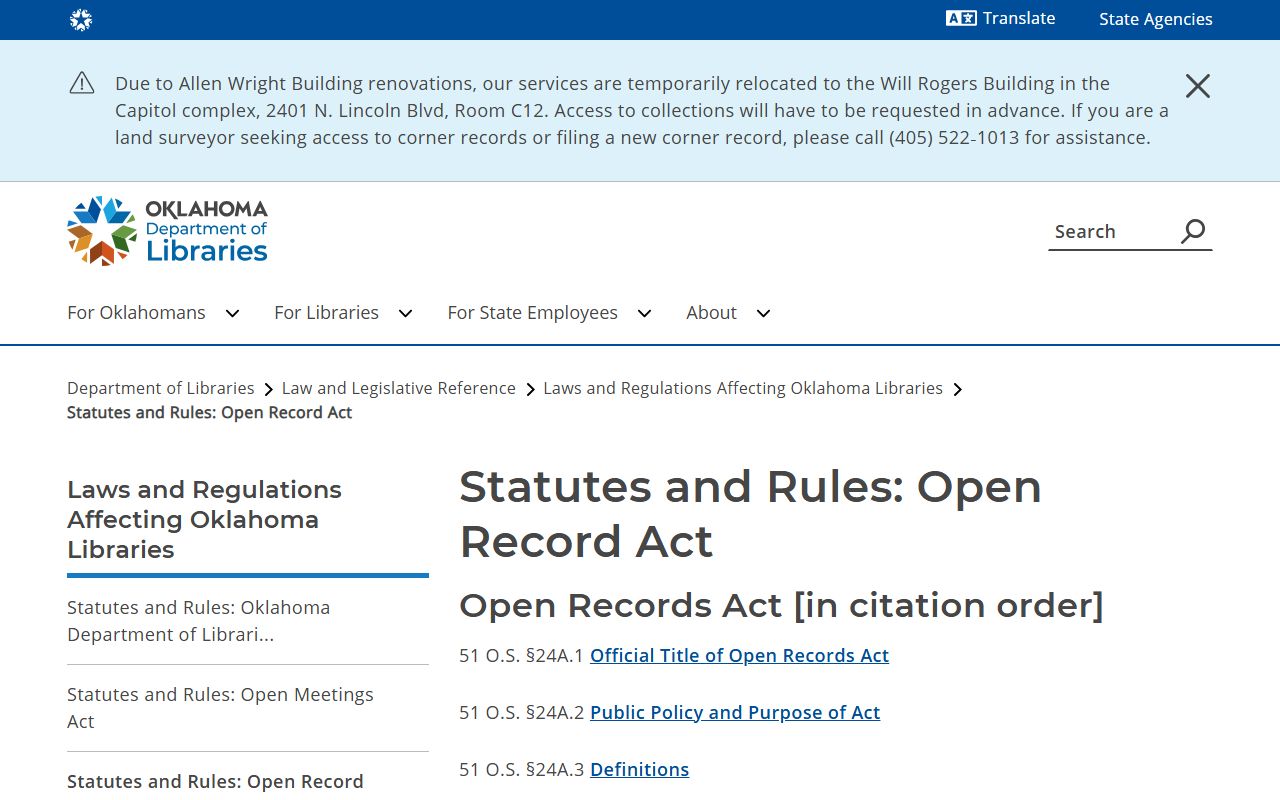
Most District Court dockets are open to anyone. Oklahoma treats court records as public unless a law makes them confidential. The Oklahoma Open Records Act, at 51 O.S. Section 24A.1, sets that baseline for public bodies, including the courts.
The Open Records Act materials are hosted by the state library.
Some dockets carry limits even so. Juvenile, adoption, mental health, and sealed cases may not appear in the public view, and protected addresses and personal identifiers get redacted. A docket that looks blank or partial may be restricted rather than missing.
Access to a restricted docket is not automatic. A juvenile docket may open only to the child, the parents, attorneys, agencies, and court staff. A sealed adult case can require a court order before anyone may view it. The Court Clerk can confirm a case number and copy open records, but cannot grant access the law withholds or give legal advice.
Note: A sealed or expunged case may drop from the public docket entirely, so an empty result does not always mean no case ever existed.
Why the Official Kingfisher County Docket Controls
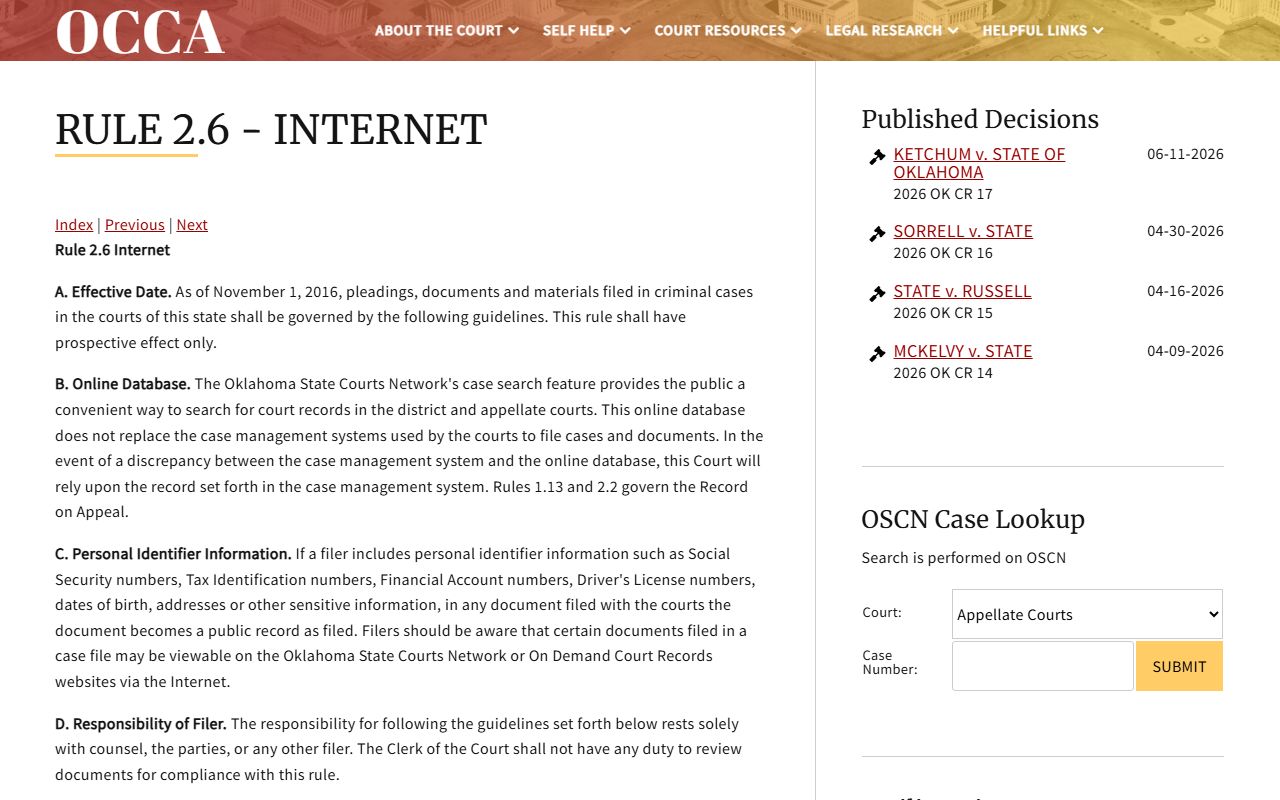
The online docket is a convenience, not the legal record. The state judiciary built OSCN and ODCR to give the public an easy way in, but the courts' own case-management system is the controlling file. When a screen and the courthouse disagree, the courthouse wins.
This rule is written down. The Oklahoma Court of Criminal Appeals Rule 2.6 states that OSCN case search is a public convenience for district and appellate court records and does not replace the official case-management systems.
So when a docket is old, missing online, or unclear, the Kingfisher County Court Clerk is the place to confirm it. The clerk keeps the permanent District Court record and can check a hearing date, a filing, or a disposition that the website does not show. Call, write, or visit Room 24 at the courthouse for cases the online docket leaves out.
Kingfisher County Court Clerk
101 S. Main St., Room 24
Kingfisher, OK 73750
Mailing: P.O. Box 328, Kingfisher, OK 73750
405-375-3813
Mon-Fri 8:00 to 4:30
lauren.stroh@oscn.net